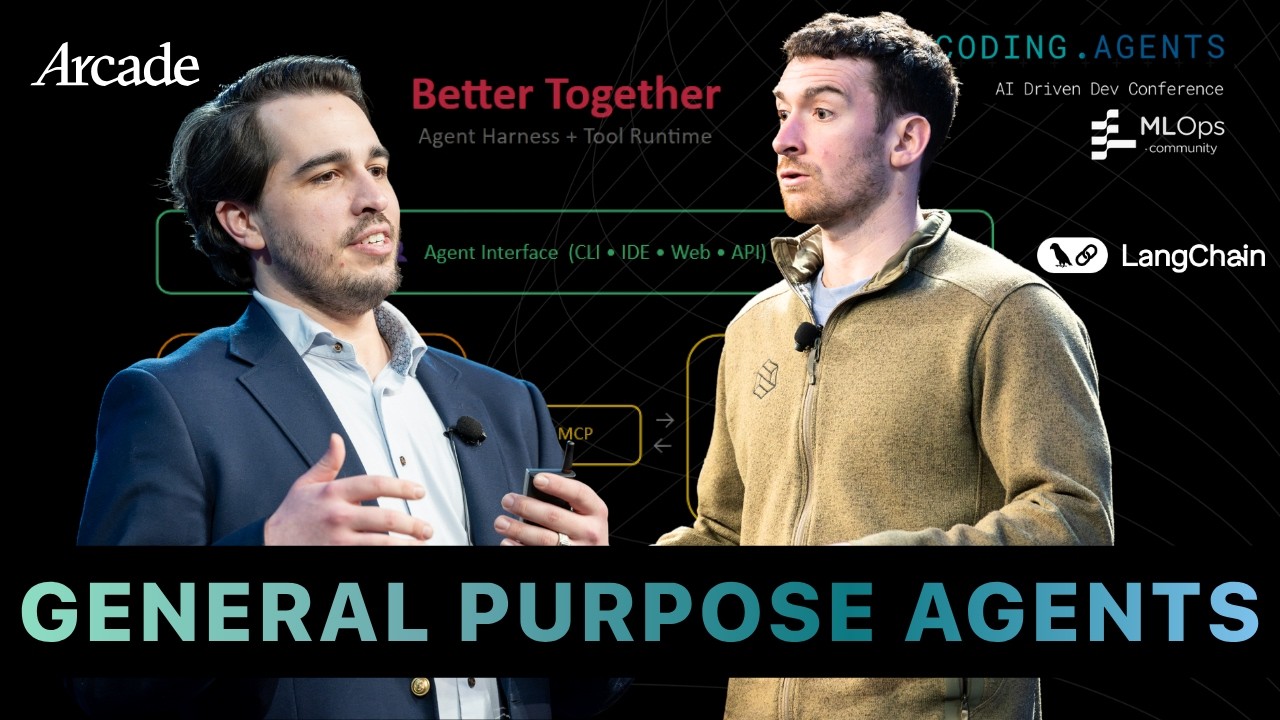
A coding agent's file system, planning, subagents, context management, and human approval controls provide the foundation for broader agent experiences.
2
A production agent needs a separate tool runtime for authentication, authorization, enterprise integrations, delegated permissions, and auditability.
3
General purpose agents will need memory, code execution, many tools, event triggers, and interfaces beyond the terminal, while preserving user control over risky actions.
Summary
Harrison Chase and Sam Partee divide a general purpose agent into two layers. The agent harness gives a model a coding-agent experience through file tools, planning, subagents, skills, context management, persistence, and human approval. The tool runtime connects that agent to services outside its local environment. It handles authentication, authorization, delegated permissions, enterprise identity systems, secrets, and integrations such as Google, Microsoft, GitHub, Slack, and Reddit. Sam argues that service tokens either grant too much access or make the agent ineffective, so each action should receive only the permissions a user has approved. They show how Arcade can expose multiple tools through an MCP gateway and connect them to LangChain, LangGraph, Deep Agents, or Claude Code. They also discuss Agent Builder, background agents, event triggers, agent identity, and the need for human approval before write operations.
A coding agent is a foundation for a broader agent
Sam Partee describes a coding agent as a system that reads and writes files, keeps memory and task data in a workspace, and retrieves that information across iterations. The same pattern can extend from search and retrieval-augmented generation to tool calling. The goal is to move beyond an agent that works on one person's laptop and build one that serves an organization. Sam and Harrison Chase separate the system into an agent harness, which creates the coding-agent experience, and a tool runtime, which connects that experience to users, companies, and external services.
An agent harness adds the practical controls around a model loop
Harrison Chase defines an agent harness as the scaffolding around a model that lets it interact with its environment. An ordinary technical definition of an agent is an LLM running in a loop and calling tools. A harness adds planning, file-system tools, code execution, skills, subagents, context management, and human approval. At LangChain, LangChain focuses on abstractions and integrations, LangGraph provides runtime features such as durable execution, streaming, persistence, and human-in-the-loop control, and Deep Agents packages more of the coding-agent behavior.
Files can define both the agent's workspace and its behavior
Deep Agents includes list, read, write, edit, glob, and grep operations. Harrison Chase says an agent can be described through files such as agent.md, skills, and mcp.json. Deep Agents can use a real file system or a virtual one backed by a database, which allows the same file-oriented interface to run remotely or inside a sandbox. Its planning tool asks the model to generate a plan and places that plan in context. Other systems may persist plans in Markdown files, which gives them longer-lived storage.
Subagents reduce context but require precise communication
A subagent receives a focused task without the main agent's previous context. The main agent sees the subagent's final result rather than all of the work performed along the way. This makes it possible to run several focused tasks in parallel. Harrison Chase is direct about the weakness: communication can fail if the main agent gives vague instructions or the subagent returns the wrong information. The isolation helps manage context, but it also makes the task and response boundaries important.
Context management lets the agent control what it remembers
Deep Agents moves large tool results into files instead of placing an entire response, such as a large JSON object, into the context window. It shows the first 100 lines and lets the model read more when needed. When the context reaches a defined point relative to its size, the system compacts it and saves the original messages in the file system. Harrison Chase says the team is also considering a tool that would let the model trigger compaction itself. Human approval can interrupt tools before execution.
A tool runtime must act on behalf of a user outside the local computer
Sam Partee says the tool runtime becomes necessary when an agent needs data and services outside its local file system. His flight-booking example requires access to a user's Outlook or Google calendar, company SSO, personalized flight results, Amazon, payment systems, and Slack notifications. Each service brings its own authentication and integration requirements. The runtime handles this work and connects it to the harness. Sam argues that these responsibilities cannot be separated because the agent is now an intermediary acting between the user and many services.
Delegated permissions avoid both dangerous service tokens and useless agents
Sam Partee describes service tokens as having two failure modes. A token can have highly elevated privileges that an enterprise security team will reject, or so few privileges that the agent is useful only for one local user. Arcade's approach is delegated agent authorization. It holds a token for the subset of permissions approved for a particular agent, user, company, and service. A tool action declares the privilege it needs, and the runtime checks whether that user has authorized it. Secrets should go into a secret store rather than environment variables, and access can be scoped to an organization, project, or user.
General purpose agents need interfaces, memory, identity, and controlled automation
The speakers do not expect the terminal to be the main interface for every general purpose agent. Agent Builder uses Deep Agents and lets people create agents by chatting, while the agent's definition evolves through files such as agent.md, skills, subagents, and mcp.json. Harrison Chase describes templates including an email assistant and a LinkedIn Recruiter agent. They also discuss agents triggered by events, background execution, and an inbox for approvals. Future agents may have their own identity and credentials or use a user's identity. In Agent Builder, write operations generally require human approval by default.
"Agent harness is a fun term to describe the scaffolding around the model that lets it interact with the environment and do things."Harrison Chase03:50
Who should watch
You are building a coding agent and need to understand which behavior belongs in the harness rather than in the model loop.
Your agent must use company services, SSO, delegated permissions, secrets, or user-specific data across multiple external systems.
You are deciding how to add background execution, agent identity, memory, and approval steps without giving an agent unrestricted access.